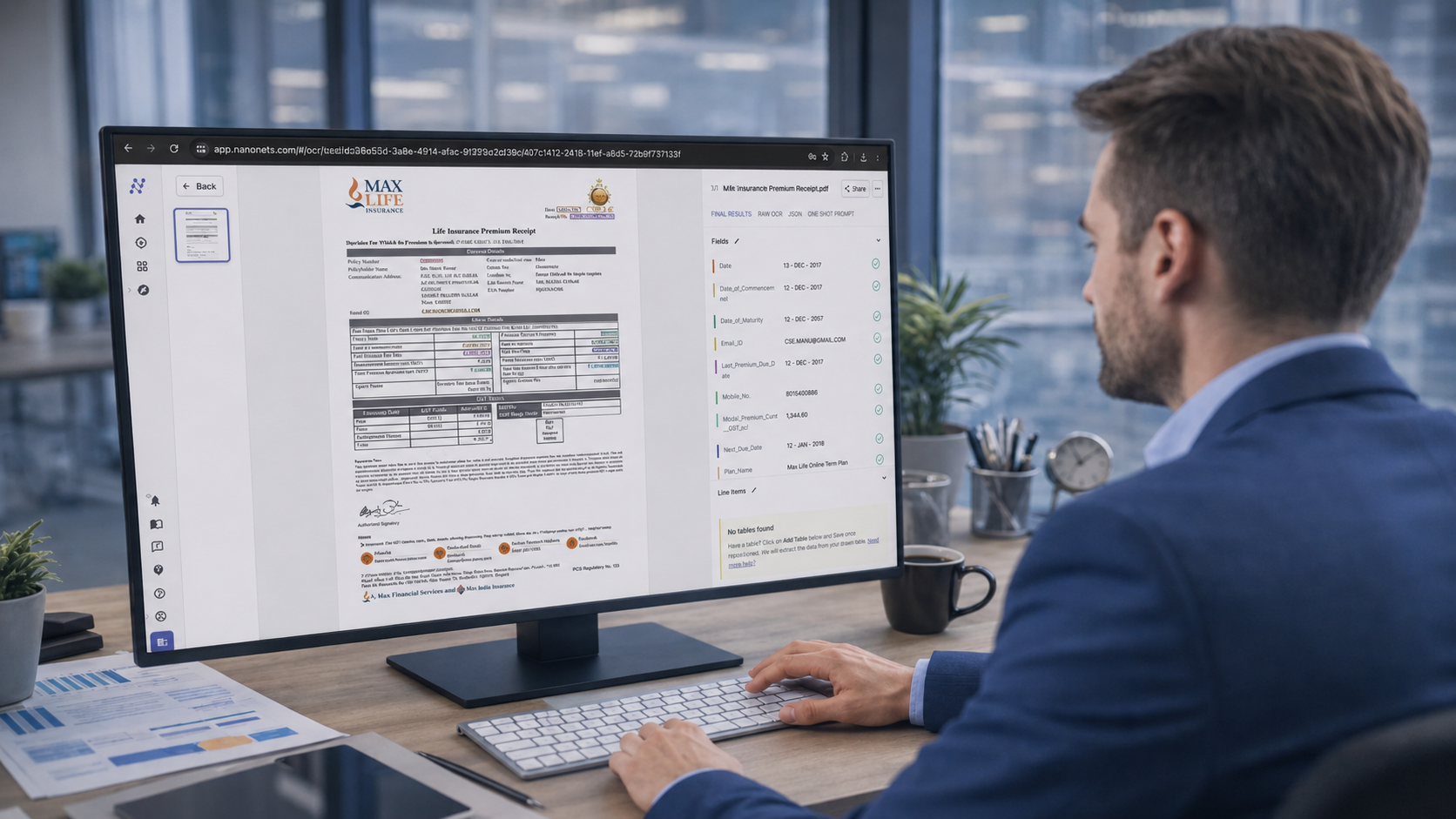
Manual Entry Is Outdated.
Businesses process countless documents every day, from invoices and purchase orders to forms, contracts, and shipping records. Manually entering this information is time-consuming and prone to errors.
NextFile uses AI to identify, understand, and extract key data from documents in seconds. Combined with human verification, it delivers fast, reliable information that's ready for your business systems.
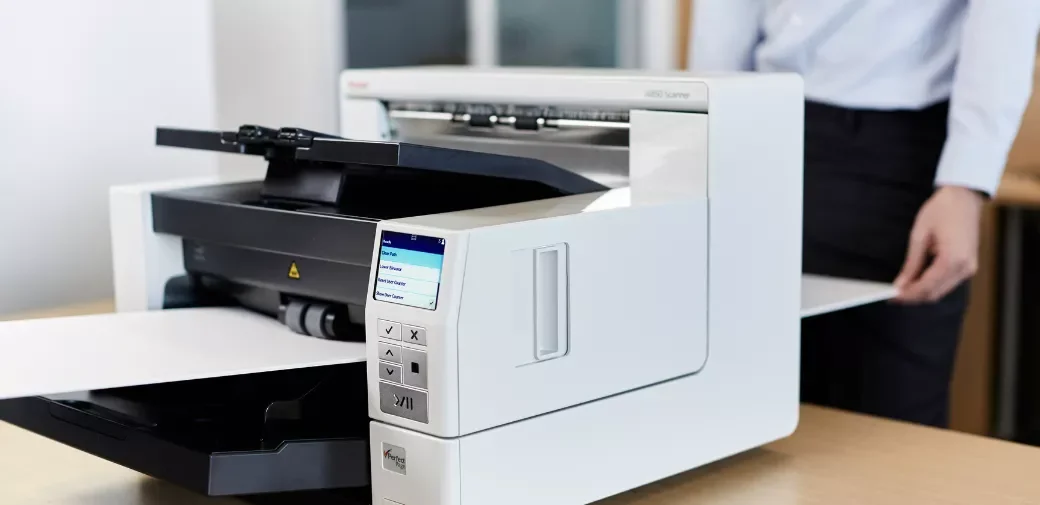
Step 1: Digitize or Upload Your Documents
If your records are still on paper, the first step is document digitization. Paper files, folders, drawings, and other physical records are professionally scanned into high-quality digital files, creating the foundation for AI-powered processing.
If your documents are already digital, they can be uploaded directly into NextFile. Our platform accepts a wide range of file formats, including:
PDFs
Scanned documents
Digital forms
Images (JPG, PNG, TIFF)
Office documents
Large document batches
Whether your documents come from paper archives, scanners, email inboxes, mobile devices, or existing document repositories, they all enter the same streamlined processing workflow—ready for AI extraction, validation, and automation.
Step 2: AI Identifies the Document
Before extracting any information, the AI analyzes the document to understand what it is looking at.
Rather than simply reading text, the system recognizes document structure, layout, and relationships between different elements. It can distinguish between invoices, purchase orders, shipping documents, contracts, applications, inspection reports, and many other document types without relying on fixed templates.
This flexibility allows NextFile to process documents that vary in appearance while still locating the information that matters.
Step 3: Text Is Read and Understood
Traditional OCR converts printed characters into digital text.
Modern AI goes much further.
NextFile combines optical character recognition with intelligent document understanding to recognize headings, labels, tables, line items, dates, addresses, currencies, and other contextual information throughout the page.
Instead of seeing isolated words, the AI understands how information is organized and which values belong together.
Step 4: Important Data Is Extracted
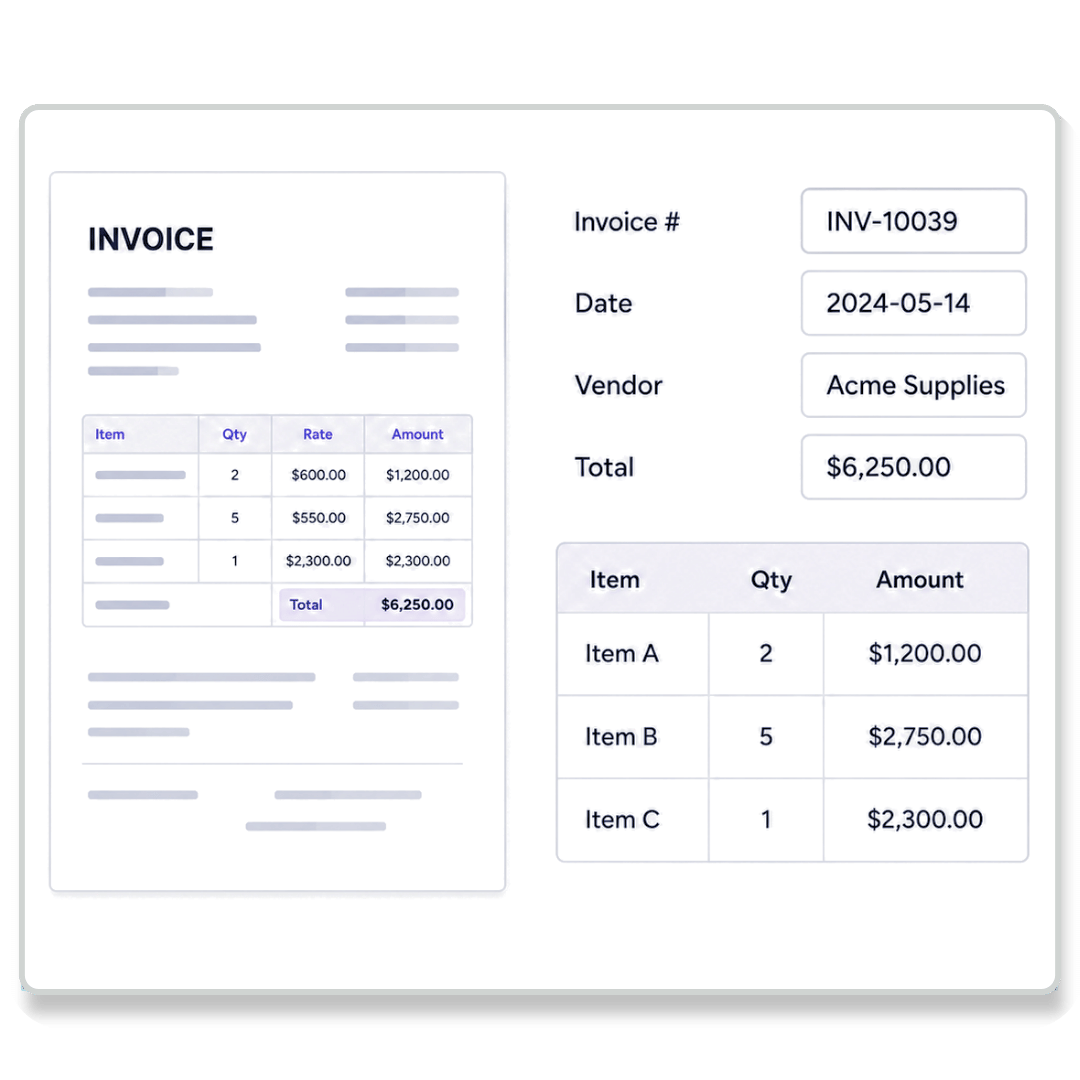
Once the document has been interpreted, NextFile automatically captures the fields your business needs.
Depending on your workflow, this may include:
Invoice numbers
Names
Purchase order numbers
Dates
Addresses
Dollar amounts
Table line items
Serial numbers
Shipment details
The extracted information is immediately transformed into structured data that can be searched, filtered, analyzed, or transferred into other business systems.
Step 5: Confidence Scores Verify Results
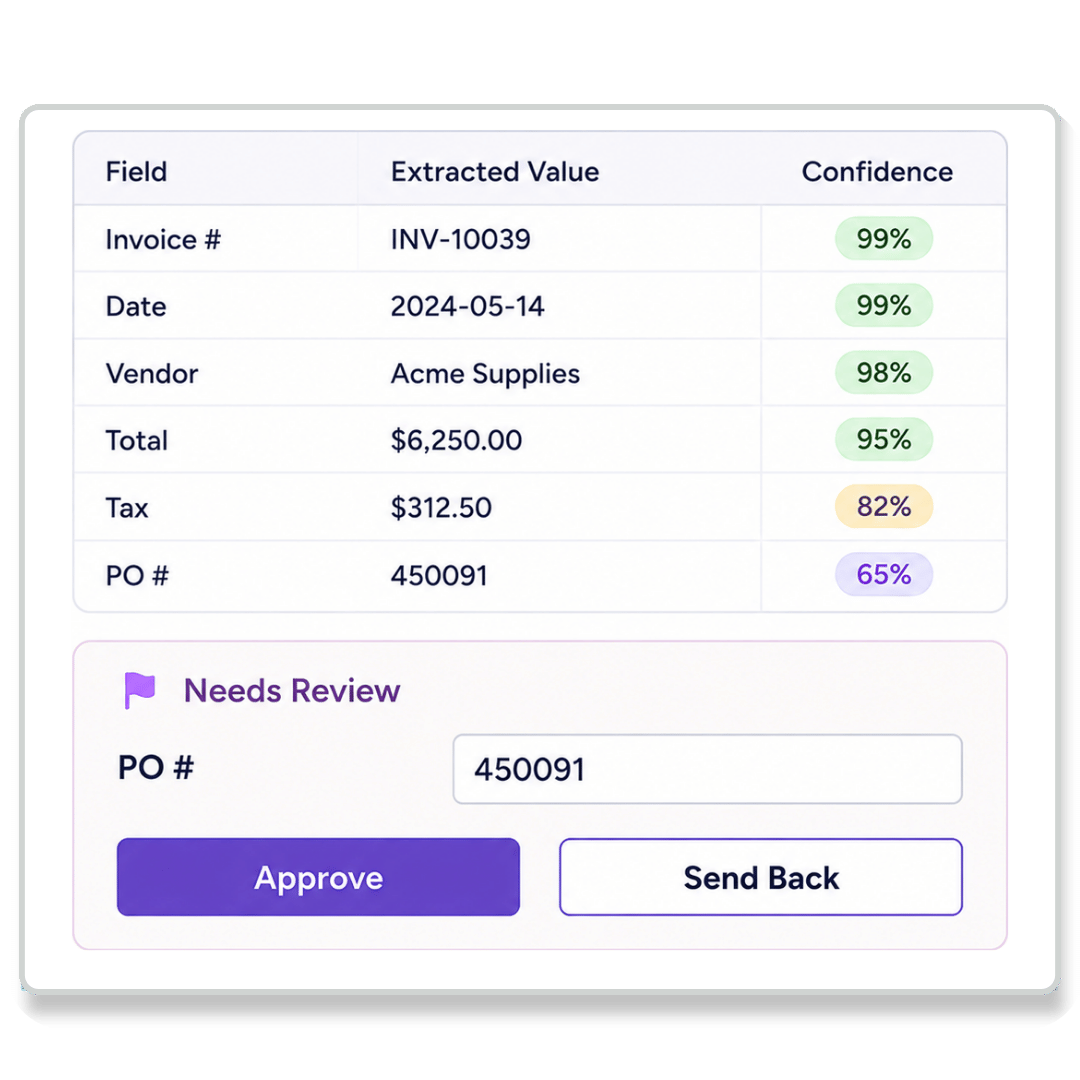
Every extracted field receives a confidence score based on how certain the AI is that the value was interpreted correctly.
High-confidence values can continue through the workflow automatically, while lower-confidence fields are flagged for review before they reach your ERP, CRM, accounting software, or database.
This intelligent validation process helps organizations reduce manual effort without sacrificing quality.
Step 6: Human Verification Handles Exceptions
No AI system is perfect.
Poor scan quality, handwriting, damaged documents, unusual layouts, or missing information can occasionally reduce confidence.
Rather than forcing employees to review every document, NextFile only presents the small number of fields that require attention. A reviewer quickly verifies or corrects those exceptions before approving the document.
This hybrid approach combines the speed of AI with the assurance of human oversight.
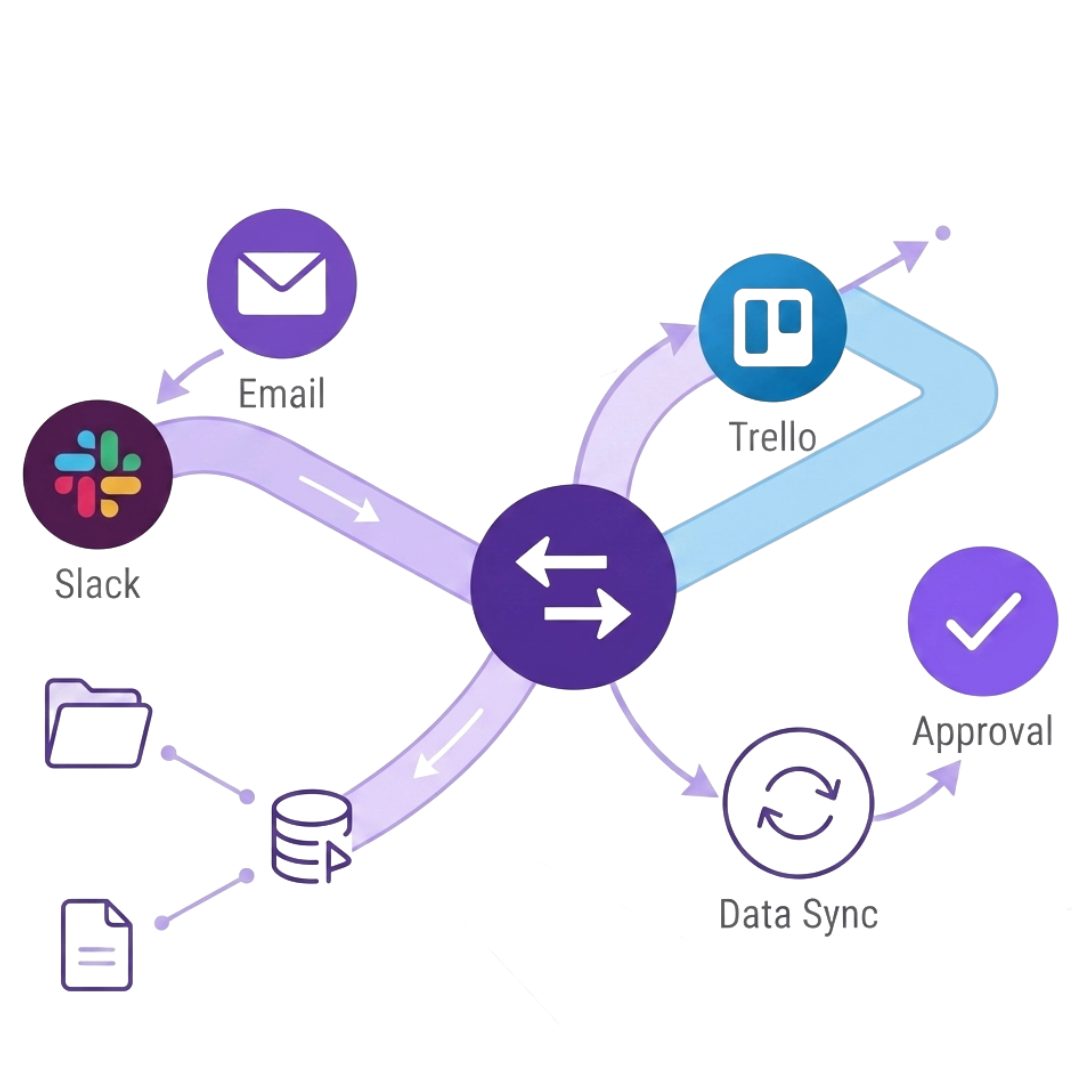
Step 7: Data Moves Into Your Business Systems
After validation, the extracted information is ready for use. Structured data can be exported to:
ERP systems
CRM platforms
Accounting software
SharePoint
SQL databases
Business intelligence tools
Custom applications through APIs
Your systems receive clean, structured data that is ready for reporting, automation, and decision-making.
Why Businesses Are Replacing Manual Data Entry
Manual document processing creates unnecessary delays throughout an organization. Employees spend valuable time opening documents, searching for information, typing values into multiple systems, and checking for errors.
AI document extraction eliminates much of this repetitive work by processing documents consistently and at scale.
Organizations benefit from:
Faster document processing
Reduced manual data entry
More consistent data quality
Quicker access to business information
Improved searchability and reporting
Easier workflow automation
Better visibility across operations
Rather than spending hours handling paperwork, teams can focus on reviewing insights, serving customers, and making informed decisions.
Every document contains information that can help your business operate more efficiently—but only if that information is accessible.
NextFile transforms unstructured documents into structured, searchable data that integrates with the software you already use. From invoices and forms to engineering drawings and logistics paperwork, AI helps reduce manual work while accelerating document-driven processes across your organization.
The result is a faster, more scalable way to capture information, automate workflows, and unlock the value hidden inside your documents.