

Turn Documents into Structured Data.
Extract information from your documents, and export it to meet your workflow needs.
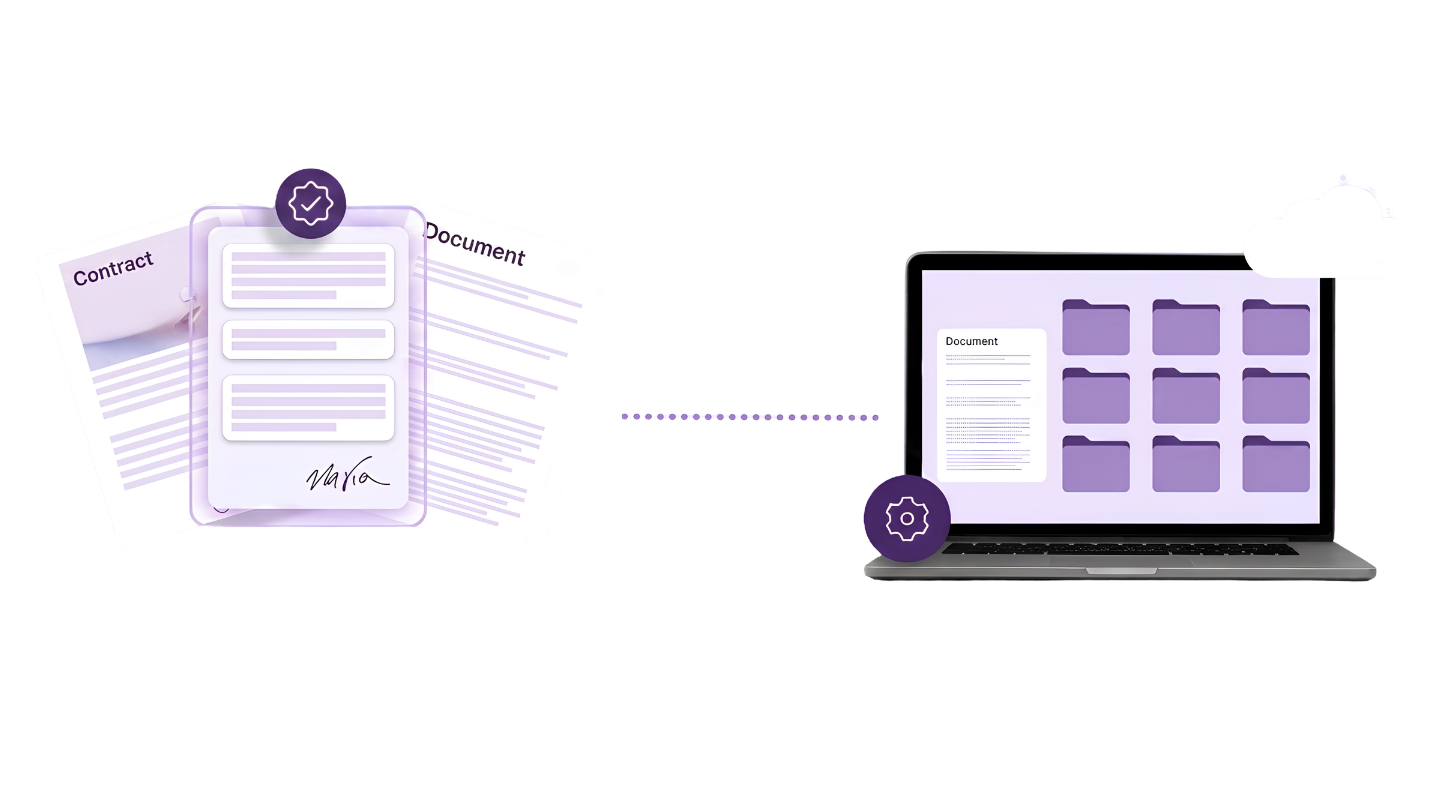

Manual Entry Is Slow And Costly
Manual data entry has become business as usual, but it's not the best use of your time.
See the Breakdown Below ↓
Single Document
Avg. Time / Document
3 minutes
Labor Cost
$0.40
One Thousand Documents
Avg. Time / Document
58 hours
Labor Cost
$2,000
Ten Thousand Documents
Avg. Time / Document
580 hours
Labor Cost
$20,000
Why Keep Typing?
You waste thousands of dollars and hundreds of hours on making important documents usable.
Automatically extract the data you need, our team will verify and deliver clean, structured data directly to your business systems.


Restructure Hundreds of Documents in Minutes.

Upload
Using 10–15 sample documents, our AI learns your document structure, industry-specific terminology, abbreviations, and shorthand.
AI identifies and captures the information you need, structuring it to match your desired output, with human validation for any flagged exceptions.

Extract
20 seconds per page
5 seconds per page

Export
Validated data is delivered in your preferred format or automatically integrated into your ERP, CRM, database, or other business systems.
5 seconds per page
Processed accurately at any volume.
Built for Better Results
90%
Faster Processing
95%
Less Document Review
100%
Searchable Records
Process More Documents Without More Work
Teams spend hours every day manually entering data from invoices, purchase orders, and expense documents. There’s a better way.
-
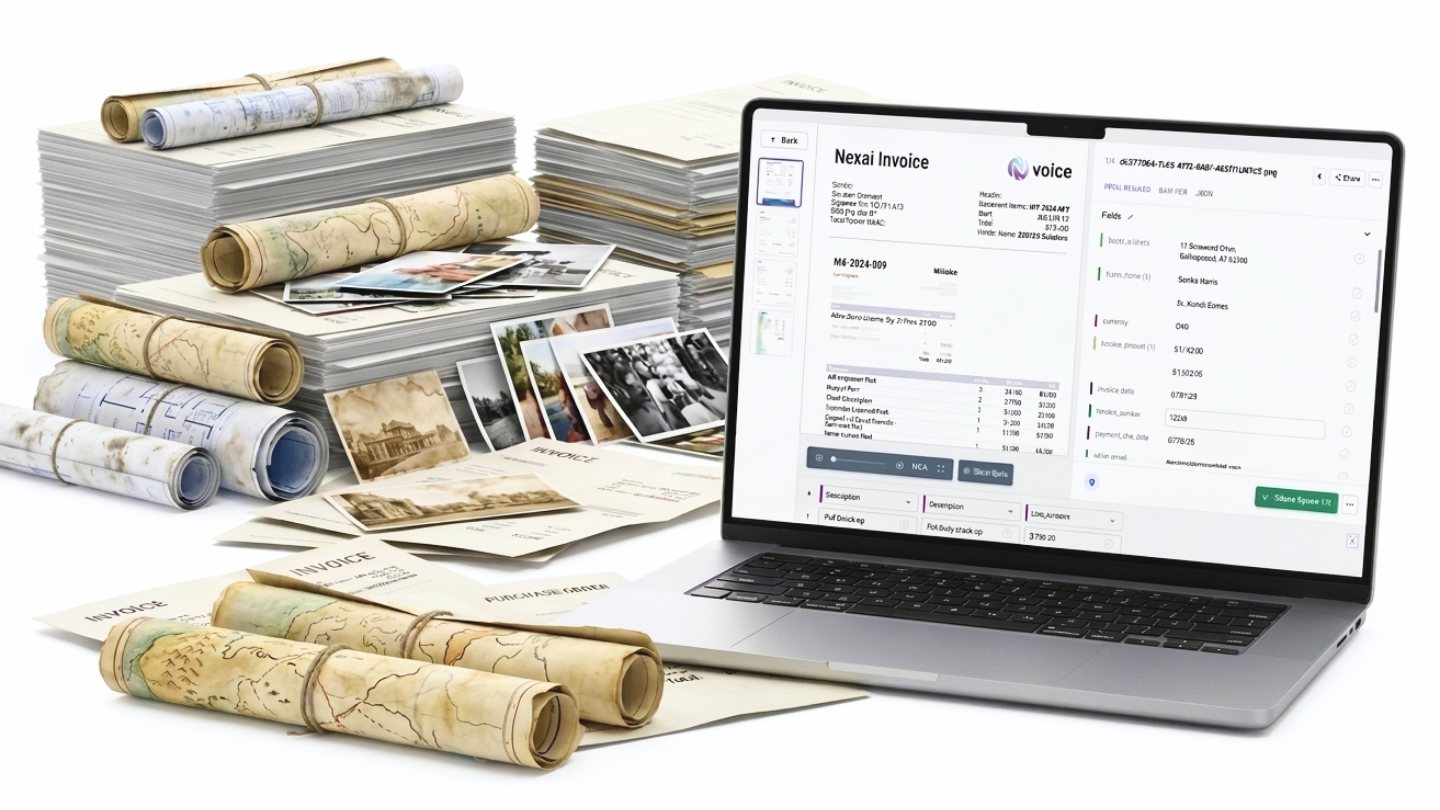
Accounts payable relied on manual data entry to capture vendor information, invoice numbers, dates, line items, and payment amounts from thousands of financial documents each month. The process was repetitive, time-consuming, and difficult to scale.
-
NextFile AI automatically extracted the required financial data from every document, while human validation reviewed any low-confidence fields. Structured data was delivered directly into the company's accounting system, eliminating repetitive manual entry.
-
Reduced invoice processing time by over 85%
Thousands of financial documents processed automatically each month
Improved data accuracy with AI and human verification
Faster approvals and payment cycles
Accounting staff refocused on higher-value financial work instead of manual data entry
Ready to Eliminate Manual Work?
Start extracting your data with NextFile and move faster, more accurately, and without repetitive manual effort.
FAQs
Our AI can extract data from invoices, purchase orders, forms, receipts, contracts, delivery receipts, drill logs, HR files, handwritten documents, and many other structured or unstructured document types. If your information exists on a page, we can likely capture it.
What types of documents can you extract data from?
1
How accurate is the extracted data?
2
Our hybrid AI and human verification process delivers high levels of accuracy. AI extracts the data automatically, while low-confidence fields can be reviewed by our team to ensure reliable, business-ready results.
Can you extract custom fields specific to our business?
3
Yes. Every extraction workflow is configured around your requirements. Whether you need invoice totals, vendor names, geological intervals, patient information, or custom metadata, we extract the fields that matter to your business.
Where does the extracted data go?
4
We can deliver your data in the format that works best for you, including Excel, CSV, JSON, databases, or directly into your ERP, CRM, accounting software, document management system, or other business applications through integrations and APIs.
Can you process scanned or handwritten documents?
5
Yes. Our solution works with scanned PDFs, digital files, photographs, and many handwritten documents. We combine OCR, AI, and human validation to maximize accuracy, even with older or lower-quality records.
How long does implementation take?
6
Most projects begin with a sample document review to configure your extraction requirements. Once your workflow is defined, we can quickly begin processing documents, whether you have a one-time archive or an ongoing stream of incoming files.
One Final Step
Start automating your workflow
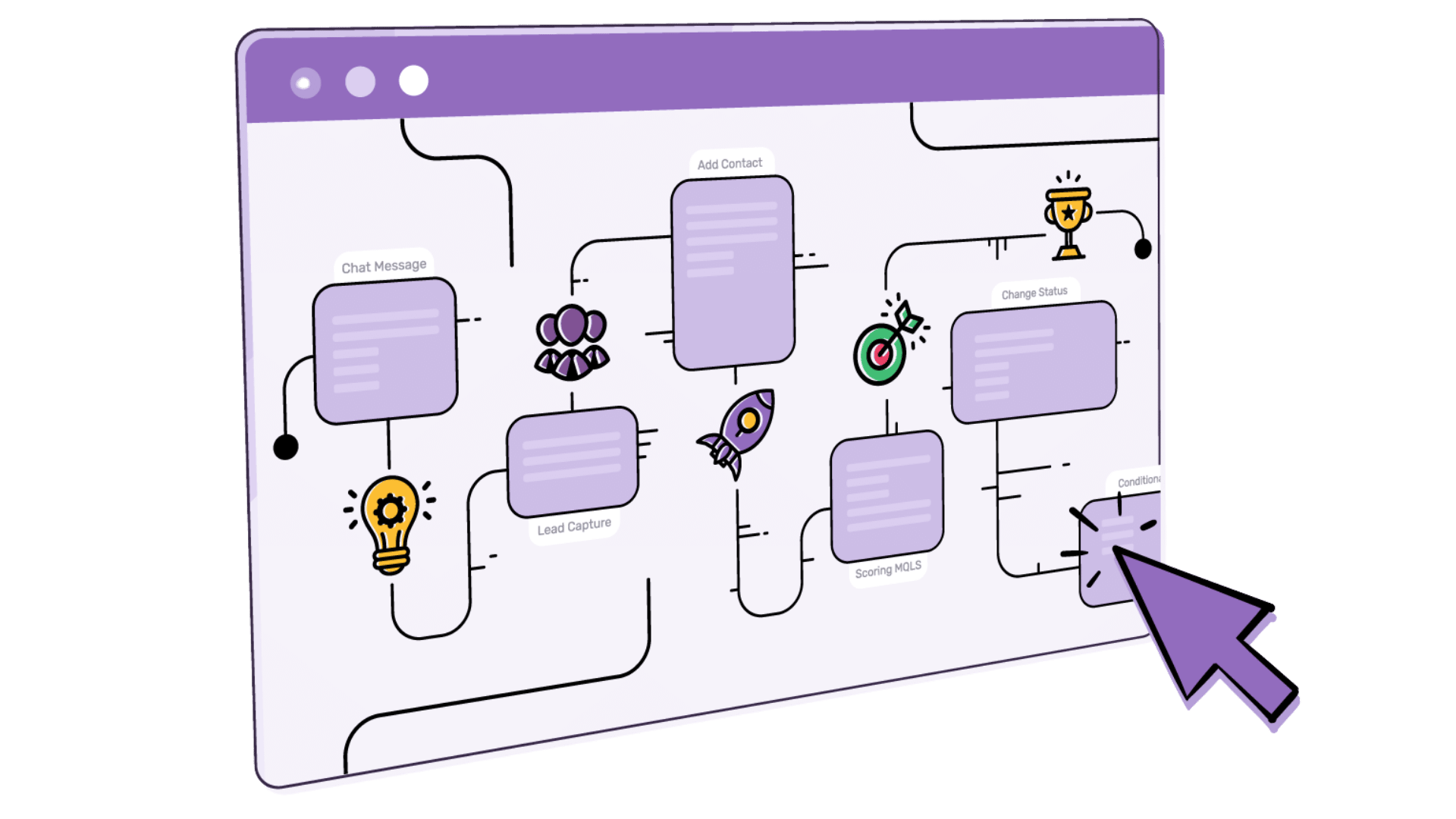
Our entire process can be automated, ensuring the final data is exported to the systems your teams use every day.